Zelenka.Work
Android app

The whole task marketplace on your phone

Pick tasks, submit reports, chat with customers and track your payouts. Same account as on the website.

Download the app

Android 8.0 or newer · 7.8 MB · version 0.14.3

QR code with a link to download the app

On a computer? Point your phone camera at the code
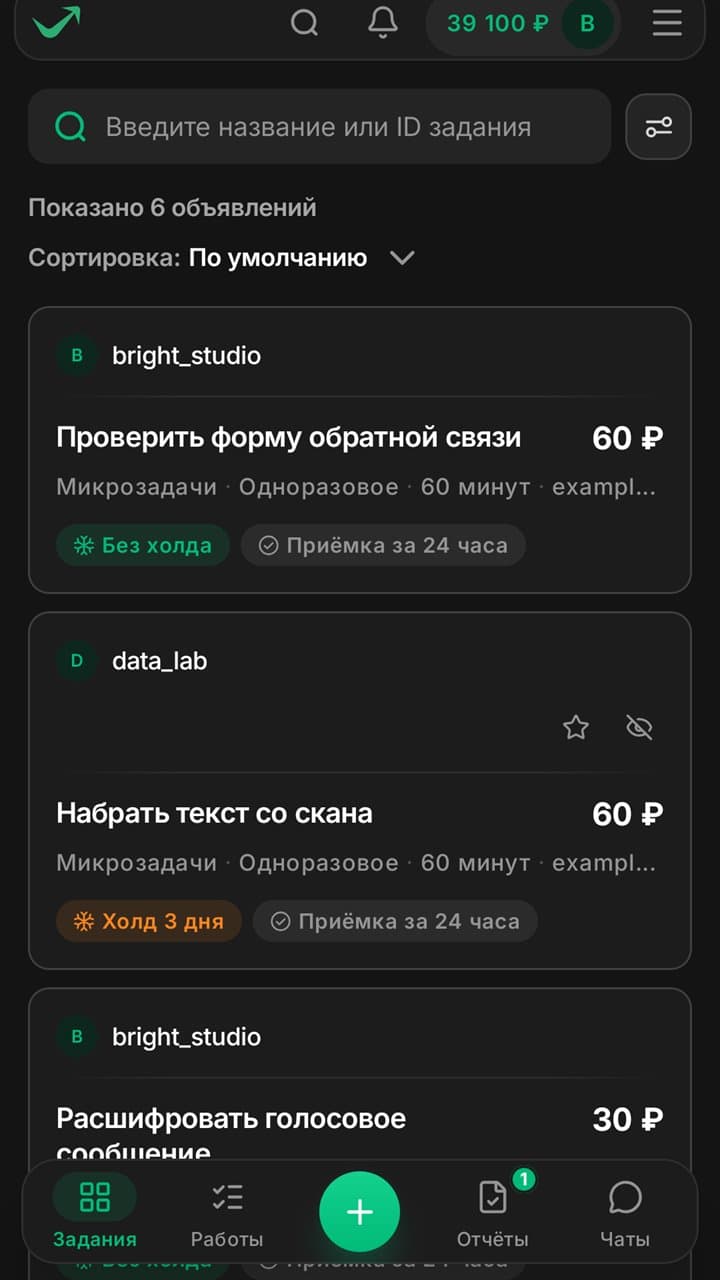
Task feed in the app: cards with price, deadline and payout terms
members
61,359
tasks completed
102,592
this month
21,483

From task to payout

The whole way happens in the app, no computer needed.

  1. Step 1

    Pick a task

    Price, deadline and payout terms are right on the card.

    Task feed with prices and terms
  2. Step 2

    Submit a report

    The app shows the time left. Reports are sent right from the card.
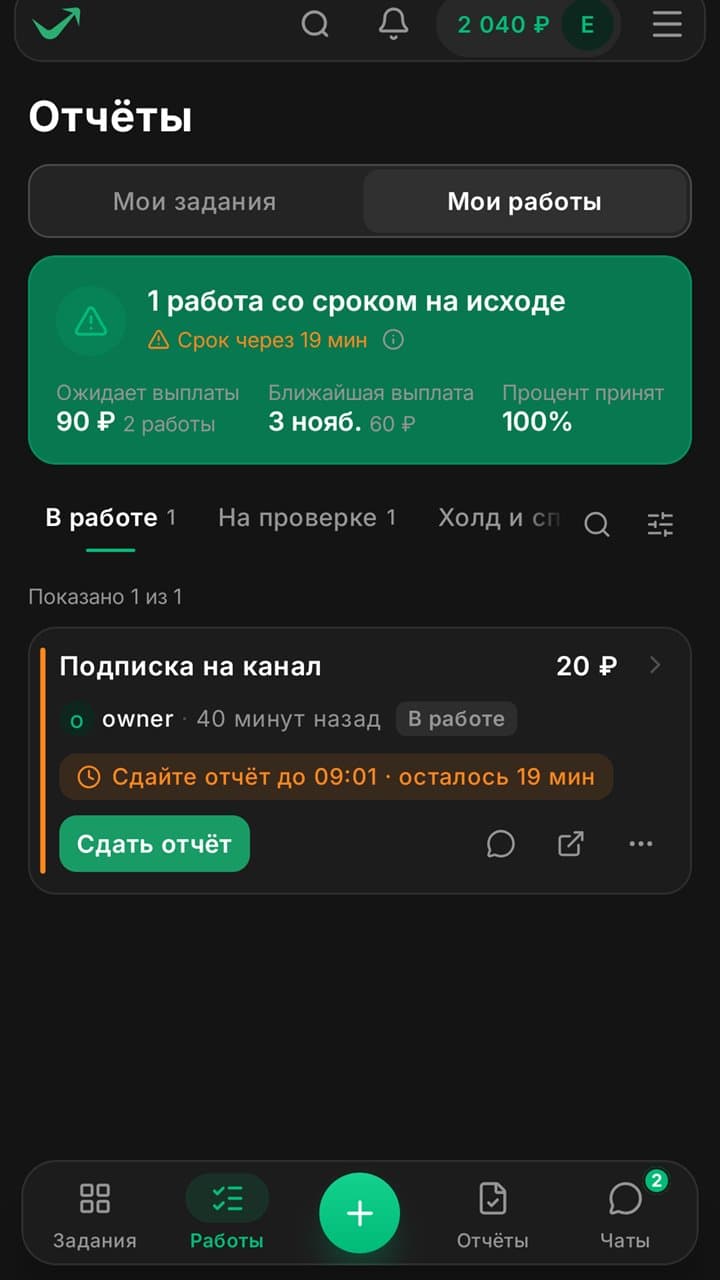
    A work with a deadline and a submit button
  3. Step 3

    Wait for the review

    The customer accepts the work. If something is off, they write in the task chat.
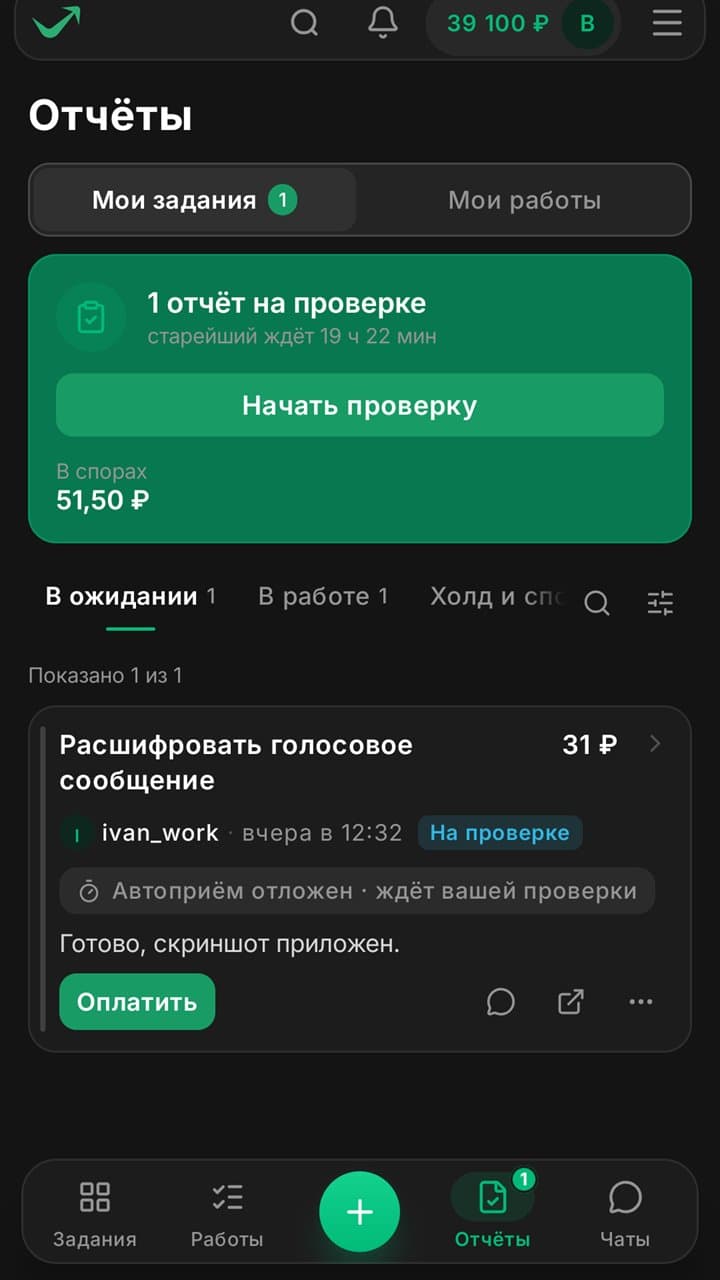
    A report under review by the customer
  4. Step 4

    Get paid

    Withdraw your earnings the way that suits you.

    $4,208earned by executors this month

Everything else comes along too

For customers

  • Tasks from a template or from scratch
  • Report review from your phone
  • Task balance, pause and auto-accept
  • Spending and task statistics
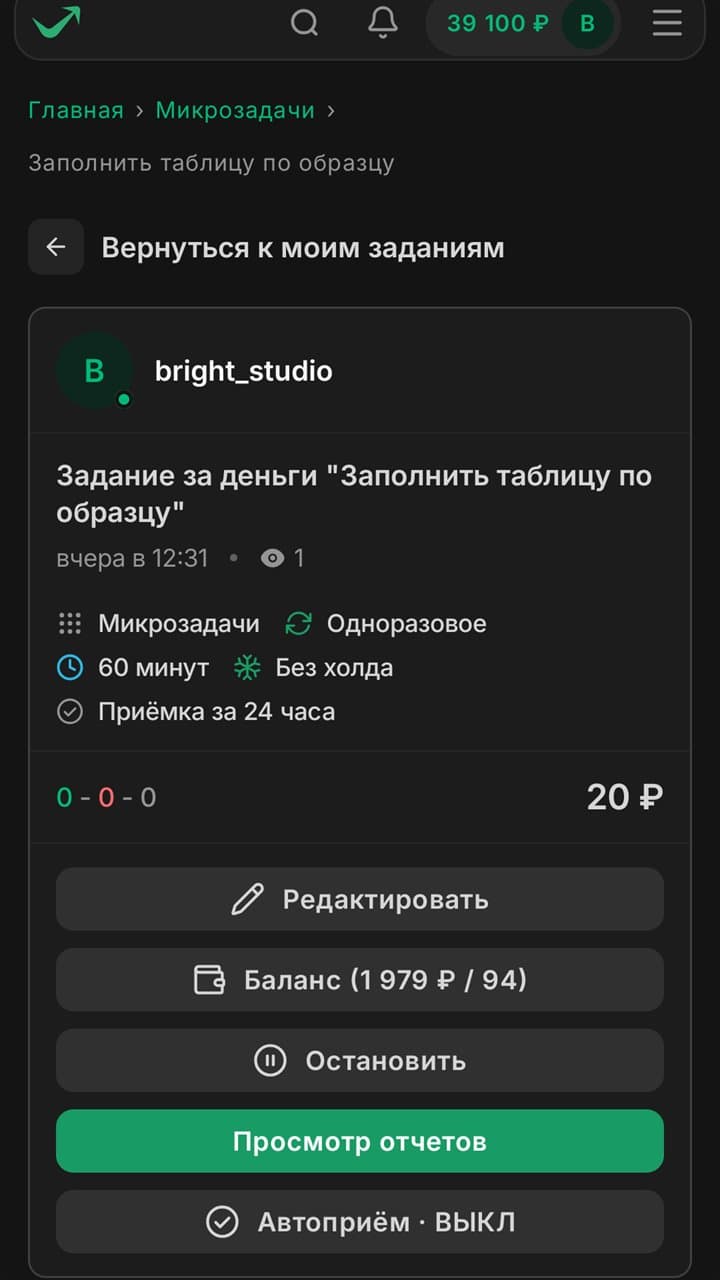
Managing your task: balance, pause and auto-accept

Chats and notifications

New messages and task events arrive right away.
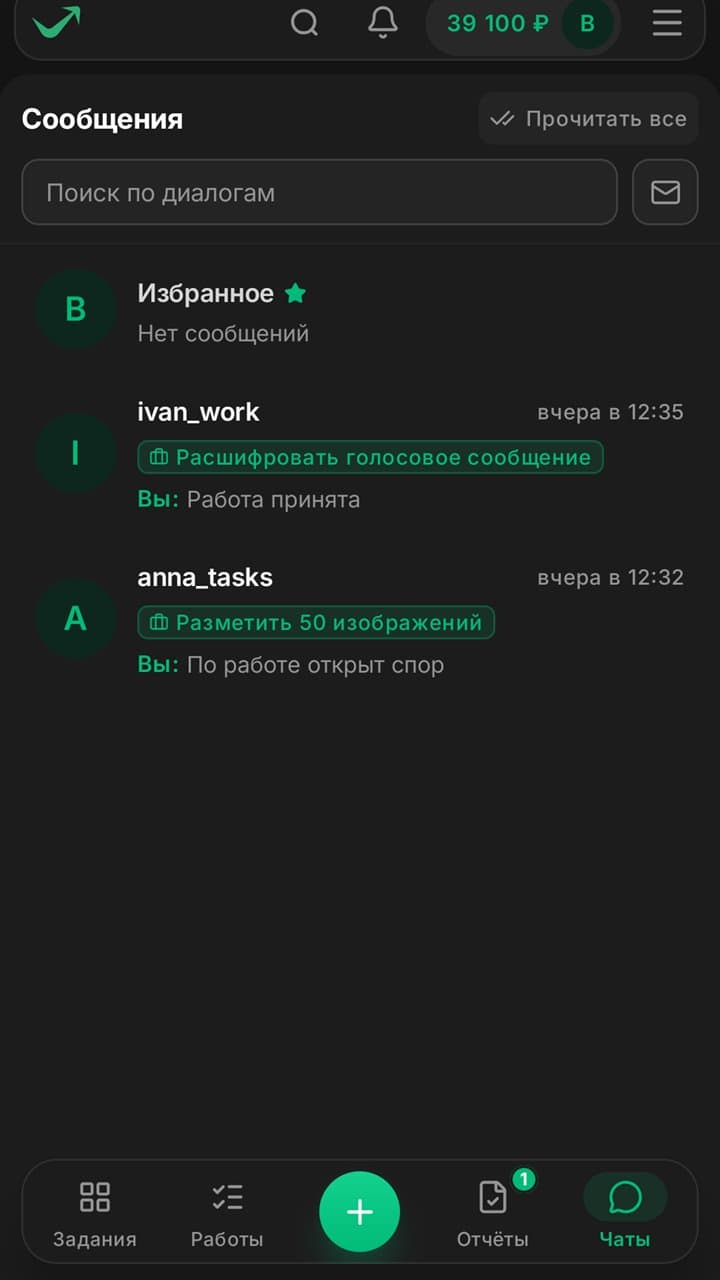
Conversations with customers and executors

Terms are visible before you start

You know when the money arrives and how fast the customer will review your work.

No hold3-day holdReview in 24 hours

Your money and account are protected

Deal protection
Funds are reserved while the task is in progress
Arbitration
A moderator settles disputes
Moderation
Every task is reviewed
Secure sign-in
Two-factor authentication

Installs in a minute

The app will offer new versions by itself.

Download the app
  1. 1

    Download the file

    Open this page on your phone and tap the button.

  2. 2

    Allow the install

    Android will ask for permission for your browser and may run a Play Protect scan. That is normal for apps from outside a store.

  3. 3

    Sign in

    Use your website account or create a new one right in the app.